
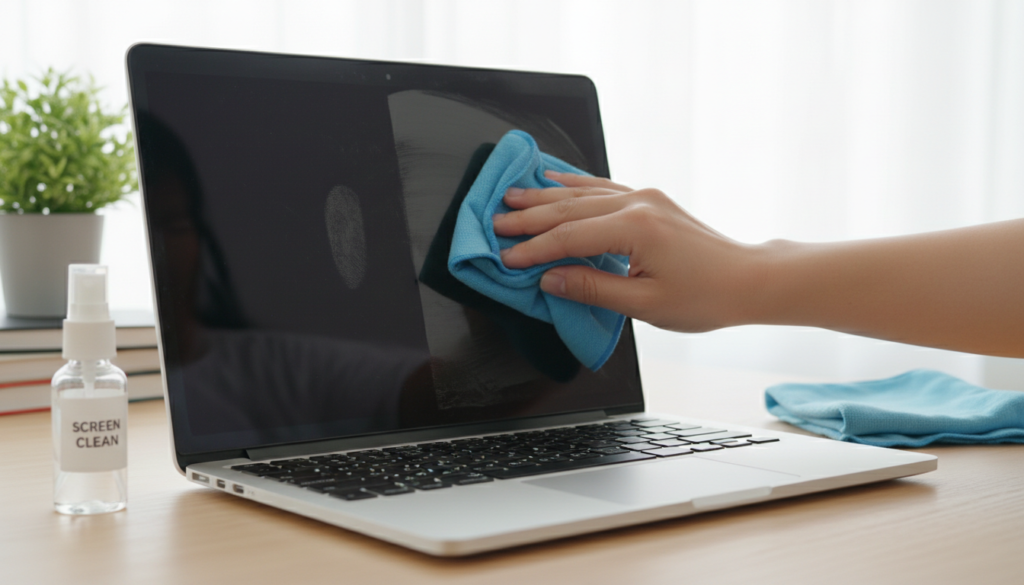

We all love using our laptops, but they get dirty very fast. Fingerprints, dust, and smudges can make your display look dull. Knowing How to Clean Laptop Screen properly is a great skill to have. It helps you see clearly and keeps your device in top shape. You do not need expensive kits to get a perfect shine. In this guide, I will show you the best, safest ways to care for your screen. Let’s make that display look crystal clear again!
Why Cleaning Your Laptop Matters
A dirty screen can actually hide important details while you work or play. Over time, dust buildup can even cause tiny scratches if you are not careful. When you learn how to clean laptop screen the right way, you protect your investment. A clean laptop just feels better to use every single day. Plus, it is much easier to read text and watch videos when the glass is spotless. Regular care prevents grime from building up and becoming much harder to remove later on.
Essential Tools You Already Have
Many people think they need special chemicals, but that is rarely true. To learn how to clean laptop screen at home, look in your cleaning supplies first. You mostly need soft materials and very gentle liquids. Avoid harsh cleaners like window spray or bleach at all costs. These chemicals can ruin the special coating on your monitor forever. Always stick to the basics for the safest and best results every time you clean.
The Best Way to Clean Your Screen
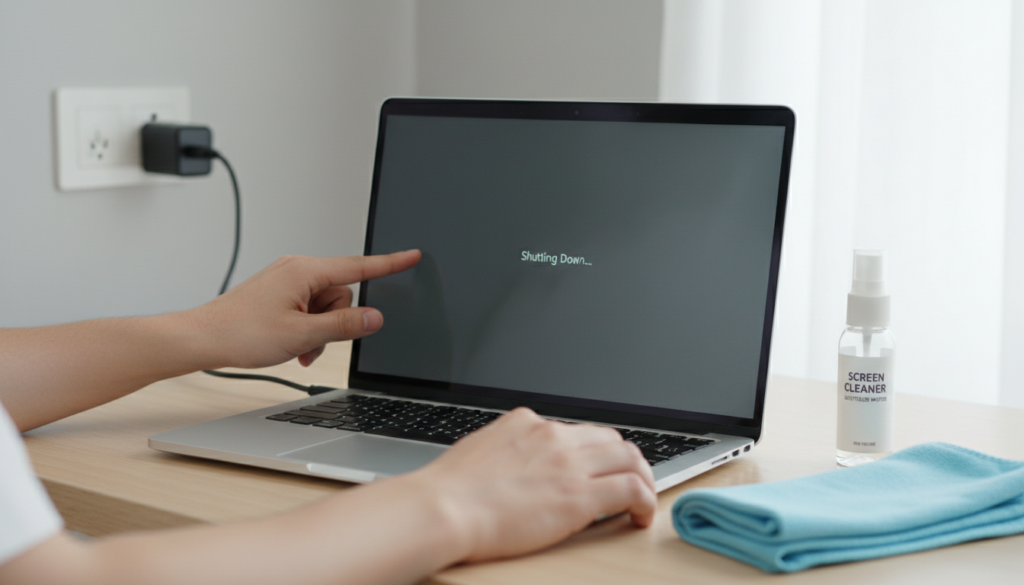
If you want to know how to clean laptop screen without streaks, the secret is being gentle. Always turn off your computer first so you can see the dirt better. Start by using a soft, dry cloth to wipe away loose dust. Do not press hard, as that could damage the screen glass. If you need a bit more power, lightly dampen your cloth with water. Remember, how to clean laptop screen with water is easy if you use very little liquid. Never spray water directly onto the screen, as it might drip inside.
What if You Lack a Microfiber Cloth?
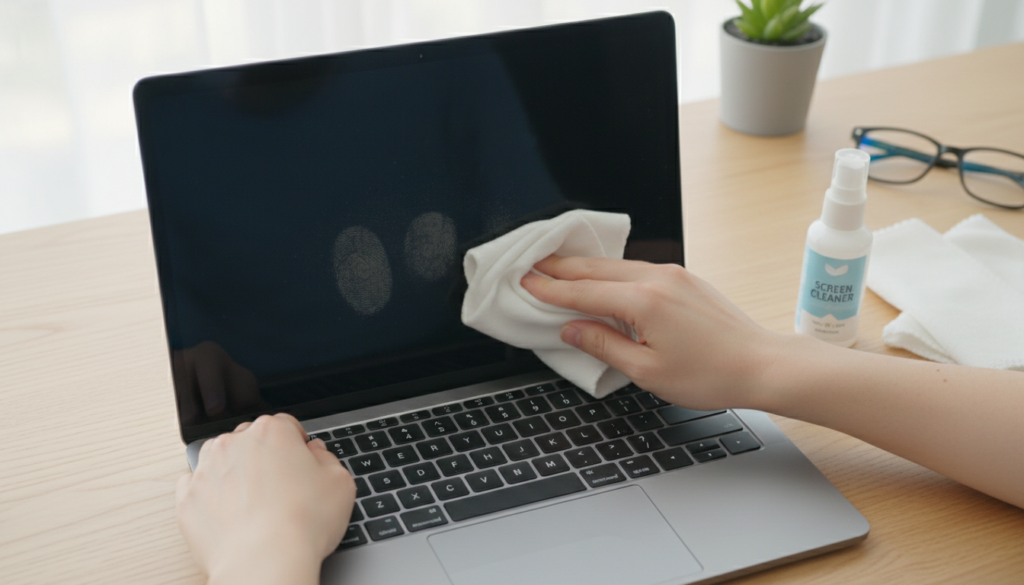
A soft, lint-free cloth is best, but what if you do not have one? You might wonder how to clean laptop screen without microfiber tools. An old, clean cotton t-shirt is a great alternative that works just fine. Just make sure the shirt is very soft and has no rough buttons or zippers. Avoid paper towels or napkins because they have tiny wood fibers. These can scratch your delicate screen over time. A soft cotton cloth is safe and very effective for regular cleaning.
Cleaning the Keyboard and Screen Together
Your fingers touch the keyboard constantly, spreading oils and germs to the screen. Learning how to clean laptop screen and keyboard at the same time is very smart. First, turn the laptop upside down and give it a gentle shake to remove crumbs. Use a can of compressed air to blow out dust from between the keys. Once the keyboard is tidy, use a slightly damp cloth to wipe the keys. Then, move to your screen to finish the job for a total refresh.
Avoiding Common Cleaning Mistakes
Some people make big mistakes because they want to clean faster. Never use vinegar, alcohol, or soap on a modern screen. These items can strip away the anti-glare coating that manufacturers apply. Also, never use circular motions if you are worried about streaks. Instead, use long, gentle strokes from side to side or top to bottom. Being patient is the real trick to learning how to clean laptop screen safely and effectively. Take your time, and your laptop will thank you.
How Often Should You Clean?
You do not need to scrub your screen every single hour. A light wipe down once a week is usually plenty for most users. If you eat near your laptop, you might need to clean it more often. Checking your screen under a bright light will show you if it is time to clean. Keeping a consistent schedule makes it much easier to keep everything spotless. When you know how to clean laptop screen properly, it only takes a minute of your time.
Safety Tips for Your Hardware
Always remember that your laptop is an electronic device. Moisture is your enemy, so keep all cleaning cloths just barely damp. If you notice any liquid dripping, stop and dry it off immediately. Also, keep your hands clean before you start typing or touching the display. This simple habit helps keep the screen cleaner for a much longer time. Caring for your gear is the best way to keep it running smoothly for years.
Summary of Cleaning Steps
To recap, start by turning off the power. Use a soft, dry cloth to remove dust first. If needed, dampen the cloth with water to remove stubborn smudges. Avoid harsh liquids and keep things gentle. Whether you are learning how to clean laptop screen for the first time or the hundredth, these steps work perfectly. Consistency is the key to a bright, clear view. Follow these tips, and your display will always look brand new.
Frequently Asked Questions
Can I use baby wipes to clean my screen?
No, baby wipes often contain oils or lotions that leave a sticky residue behind.
Is it safe to use tap water?
Distilled water is better because it has no minerals that might leave spots.
How do I fix streaks after cleaning?
Simply take a fresh, dry microfiber cloth and gently buff the area until the streaks vanish.
What if I accidentally use too much water?
Turn the laptop off immediately and use a dry towel to soak up any liquid at the edges.
Can I use a glass cleaner on my laptop?
Never use glass cleaner, as it contains harsh chemicals that will damage your screen coating.
How often should I clean my screen?
Cleaning it once a week is a great habit to keep your workspace looking fresh.
Cleaning Comparison Table
| Tool / Item | Safety Level | Recommended? | Why? |
| Microfiber Cloth | Very Safe | Yes | Soft and lint-free. |
| Cotton T-Shirt | Safe | Yes | Good alternative if soft. |
| Paper Towels | Dangerous | No | Can scratch the surface. |
| Glass Cleaner | Dangerous | No | Chemicals ruin screen coatings. |
| Distilled Water | Safe | Yes | No minerals or additives. |
| Compressed Air | Safe | Yes | Removes dust from keys. |
Conclusion
Keeping your device clean is a small habit that makes a big difference. Now that you know how to clean laptop screen like a pro, you can enjoy a bright display every day. Whether you are working, studying, or just browsing, a clean screen makes everything better. Try these tips today and see the difference for yourself! Do you have a favorite trick for keeping your gadgets clean? Share your thoughts below, as I would love to hear how you keep your tech in top shape.